Know where your battery stands.
See battery percentage, estimated range and charging state, with timestamps that make the age of a reading clear.

Battery, range and nearby Superchargers. A native companion that puts the essentials on your desktop, where a glance is enough.
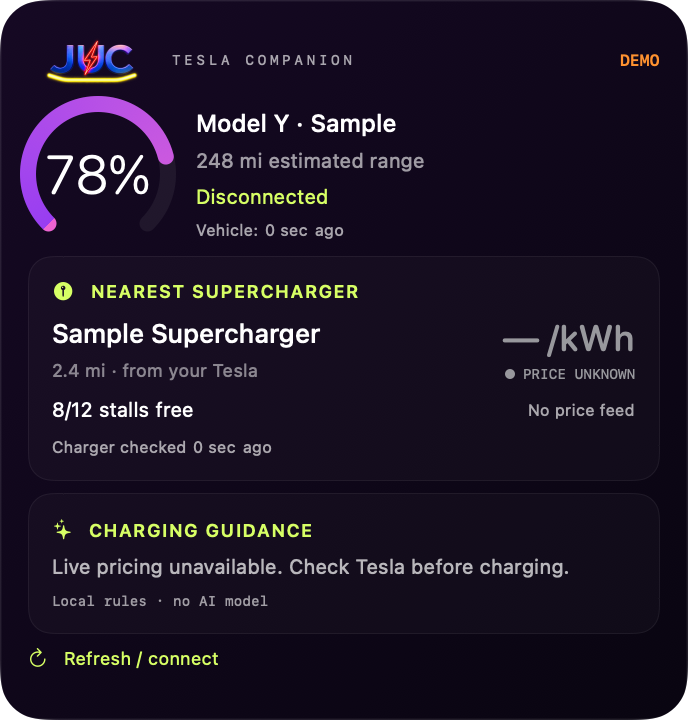
Keep the information you check most close by. Open the companion app when you want more detail or a fresh update.
See battery percentage, estimated range and charging state, with timestamps that make the age of a reading clear.
Check the nearest Supercharger reported by your connected Tesla, distance from the car and available stalls when Tesla supplies them.
Read simple charging guidance based on the available information. Missing prices stay unavailable, and older charger readings are marked stale.
Add JUC from the macOS widget gallery. Choose a compact check-in or a wider view of your car and next charging stop.
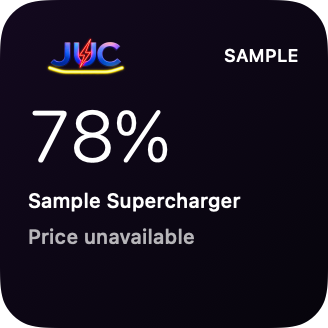
A compact view of battery level and the nearest station.
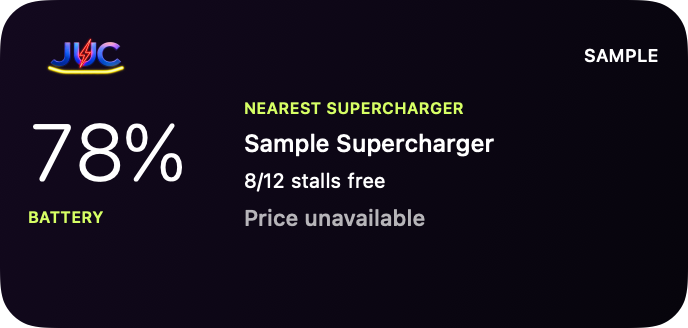
Vehicle charge alongside your nearest Supercharger and stall information.
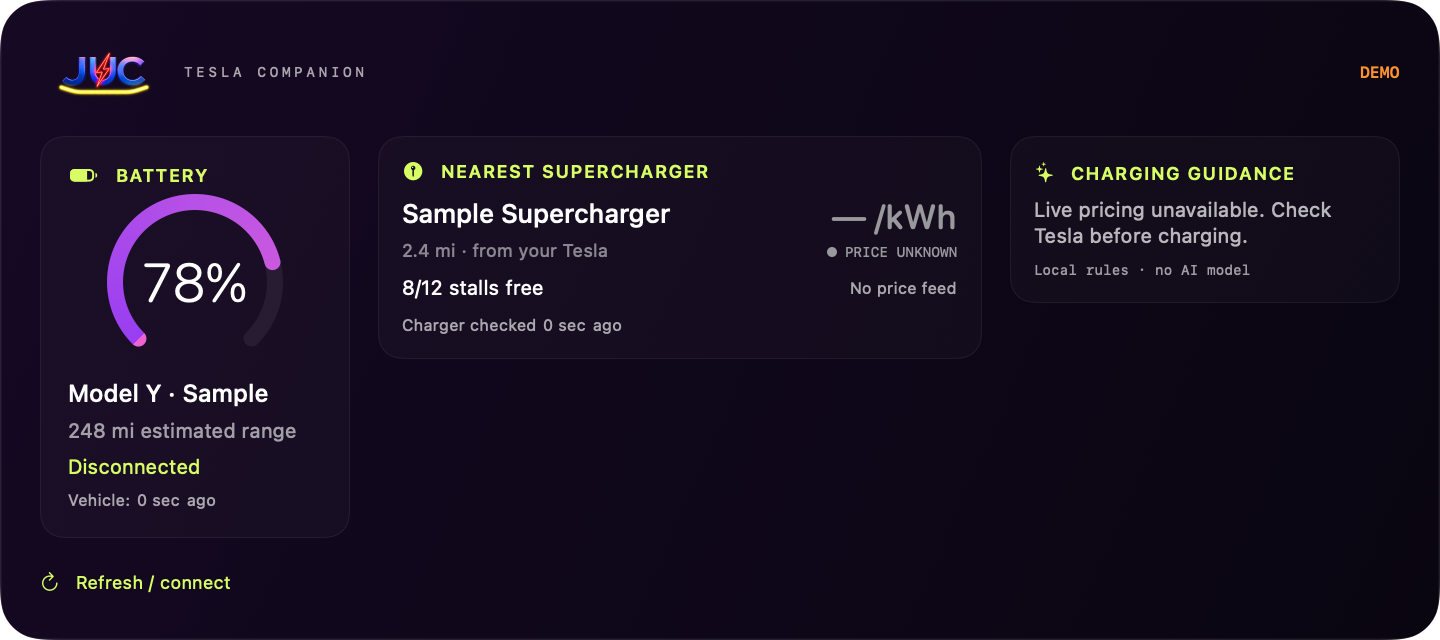
Battery, range, nearby charging and guidance, brought together.
Development views rendered from JUC’s native interface using sample data. Illustrations are not live vehicle readings. Final release appearance may evolve.
A native widget for everyday glances. A companion app for connecting and refreshing.
A few things to knowConnect through Tesla’s own sign-in and consent flow. Your Tesla password belongs there, not in JUC.
The desktop widget reads a shared vehicle snapshot. Optional macOS Keychain storage lets the app remember its session.
Request a fresh reading from the app. Cached data keeps its timestamp, and JUC reports when the car is asleep or unavailable.
macOS manages widget refresh timing. Tesla connectivity and permissions affect which vehicle and charger details are available.
JUC is available soon for Mac. It is currently in development, and a public download and release date have not been announced. This page will be updated when public access opens.
Yes. JUC uses native WidgetKit widgets that can be added through the macOS widget gallery. The companion app handles Tesla connection and refresh.
The current development build does not include an automatic live pricing feed. If a current price cannot be verified, JUC shows it as unavailable. Charging guidance is based on simple rules, not an AI prediction.
JUC can display cached vehicle information with its timestamp. Fresh status and nearby charger availability depend on Tesla connectivity; a sleeping or offline car may not return them. The current build does not automatically wake your vehicle.
No. JUC is an independent Citrus Labs Co product. It is not affiliated with, endorsed by or sponsored by Tesla, Inc. Tesla is a trademark of Tesla, Inc.
JUC is being developed for macOS. Compatibility details and connection requirements will be published alongside the public release. An iPhone or Windows edition has not been announced.
JUC is taking shape. Explore the product today; public download details will appear here when it’s ready.
No public installer or release date has been announced.